
Desktop clients
macOS
Download, drag to Applications, launch. Onboarding takes it from there.
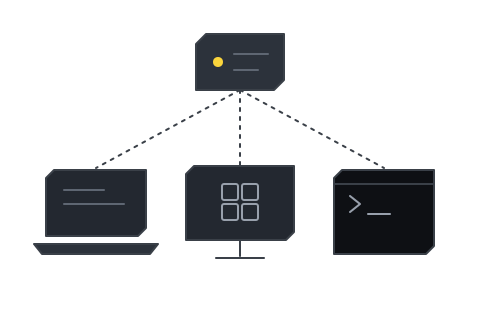
- Apple Silicon arm64 only. There is no Intel build
- .dmg the only package published
- Menu bar where TeamHUD lives when no window is open
Install
Section titled “Install”- Download the
.dmgfromhttps://dashboard.teamhud.app/downloads/mac. - Open it and drag TeamHUD to Applications.
- Launch it. Onboarding starts. To use your own server, follow Point the app at your server.
What to expect
Section titled “What to expect”It lives in the menu bar
Section titled “It lives in the menu bar”When no window is open, TeamHUD is in the menu bar. Windows and Linux call this the system tray.
Full Disk Access, only for Slack
Section titled “Full Disk Access, only for Slack”Only the optional Slack integration needs it. Onboarding offers the prompt when Slack’s desktop app is installed and TeamHUD cannot read its data.
Updates install themselves
Section titled “Updates install themselves”See Updates.