
Team lead
Lead a team
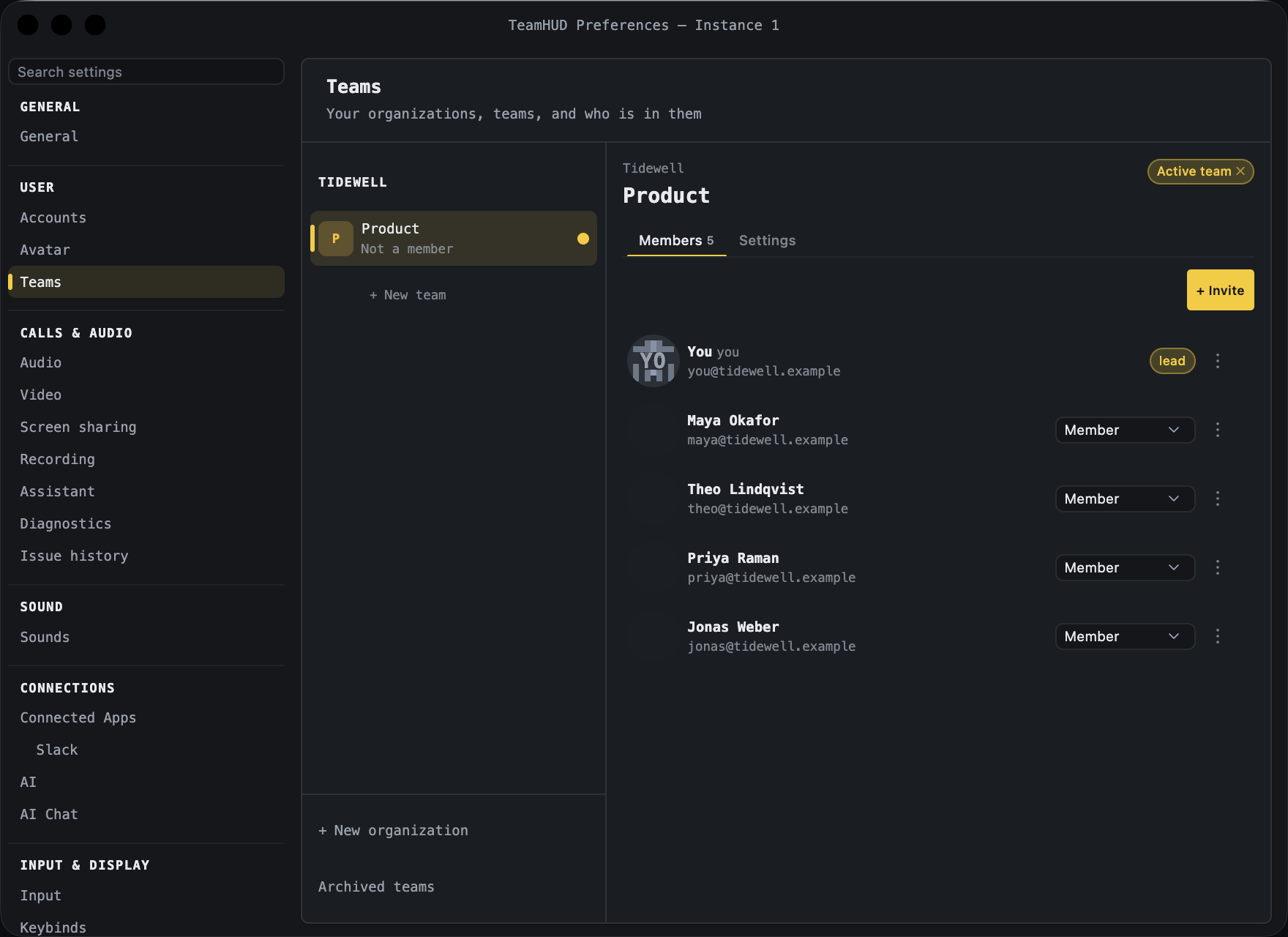
Team leads bring people in, set who leads, and tend the team. Members use the team. Everything a lead does lives in Preferences → Teams.
A team lead is a role on one team. It is not an org role: an Org owner or Org admin sets the rules for the whole organization, and a Team lead works inside them.
Lead and member
Section titled “Lead and member”| Member | Team lead | |
|---|---|---|
| See the member list and who is online | Yes | Yes |
| Chat, call and share in the team | Yes | Yes |
| Create a channel | Yes | Yes |
| Leave the team | Yes | Yes |
| Rename the team, edit its description | No | Yes |
| Invite people (email, Slack, link), see and cancel pending invites | No | Yes |
| Make someone a lead, or a member again | No | Yes |
| Remove someone from the team | No | Yes |
| Rename or delete a channel, change who is in it | No | Yes |
| Archive the team | No | Yes |
| Keep the team call recorded, edit suggestion rules (if the org allows) | No | Yes |
An Org admin can also change the team’s recording and suggestion settings. Only a Team lead can invite or change roles.
Where to go
Section titled “Where to go”Invite peopleBy Slack, email or a link.
Manage your teamRoles, channels, removing people, recording.
Your organizationWhat Org owners and Org admins control.