
Widgets
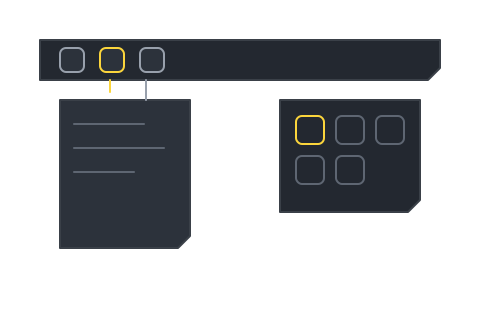
A TeamHUD widget renders on a click-through overlay as a hub button that opens a panel. A widget registers interactive regions so clicks land on it and nowhere else.
Built into every widget
Section titled “Built into every widget”- Interactive regions: the hub (always) and the panel (while open) tell the overlay where to accept clicks. Keep them in sync as the widget resizes or opens menus.
- Auto-collapse: an open panel closes when the pointer leaves, on outside click, and on
Escape. Panels are transient, not sticky.
What you implement
Section titled “What you implement”| Path | You get for free | You write |
|---|---|---|
| Custom widget | Hub, panel chrome, drag, auto-collapse | The panel’s HTML/CSS/JS. See Build your first custom widget. |
| Widget shipped by a plugin | A shared base class (OverlayHubWidget): drag, toward-center placement, hover-reveal, region sync |
The hub button and the panel body. See Build your first plugin and the Widget API reference. |