
Administer
Desktop clients
Your server installs nothing on people’s machines. Each person installs the TeamHUD desktop app, then tells it your server’s address.
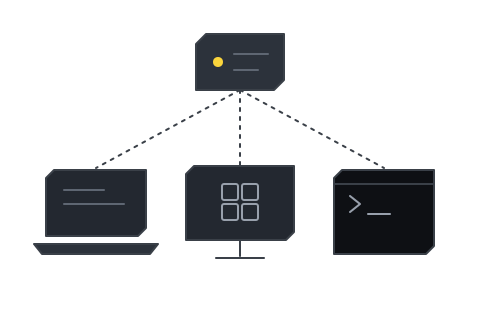
Pick their OS
Section titled “Pick their OS”macOSApple Silicon (arm64) .dmg only. There is no Intel build.
Windowsx64 TeamHUD-<version>-Setup.exe, a per-user installer.
Linux.deb and .rpm from a signed repository, or an AppImage. amd64 and arm64.
Then, on every machine
Section titled “Then, on every machine”Point the app at your serverEvery user enters your address once.
Updates and minimum versionWhere updates come from, and what MIN_CLIENT_VERSION does.
Where people download it
Section titled “Where people download it”TeamHUD publishes the installers, not your server. These links on dashboard.teamhud.app redirect to the latest installer:
| OS | Link | Serves |
|---|---|---|
| macOS | /downloads/mac |
The arm64 .dmg |
| Windows | /downloads/windows |
The x64 Setup .exe |
| Linux | /downloads/linux |
The x64 AppImage. The .deb and .rpm packages come from packages.teamhud.app instead |